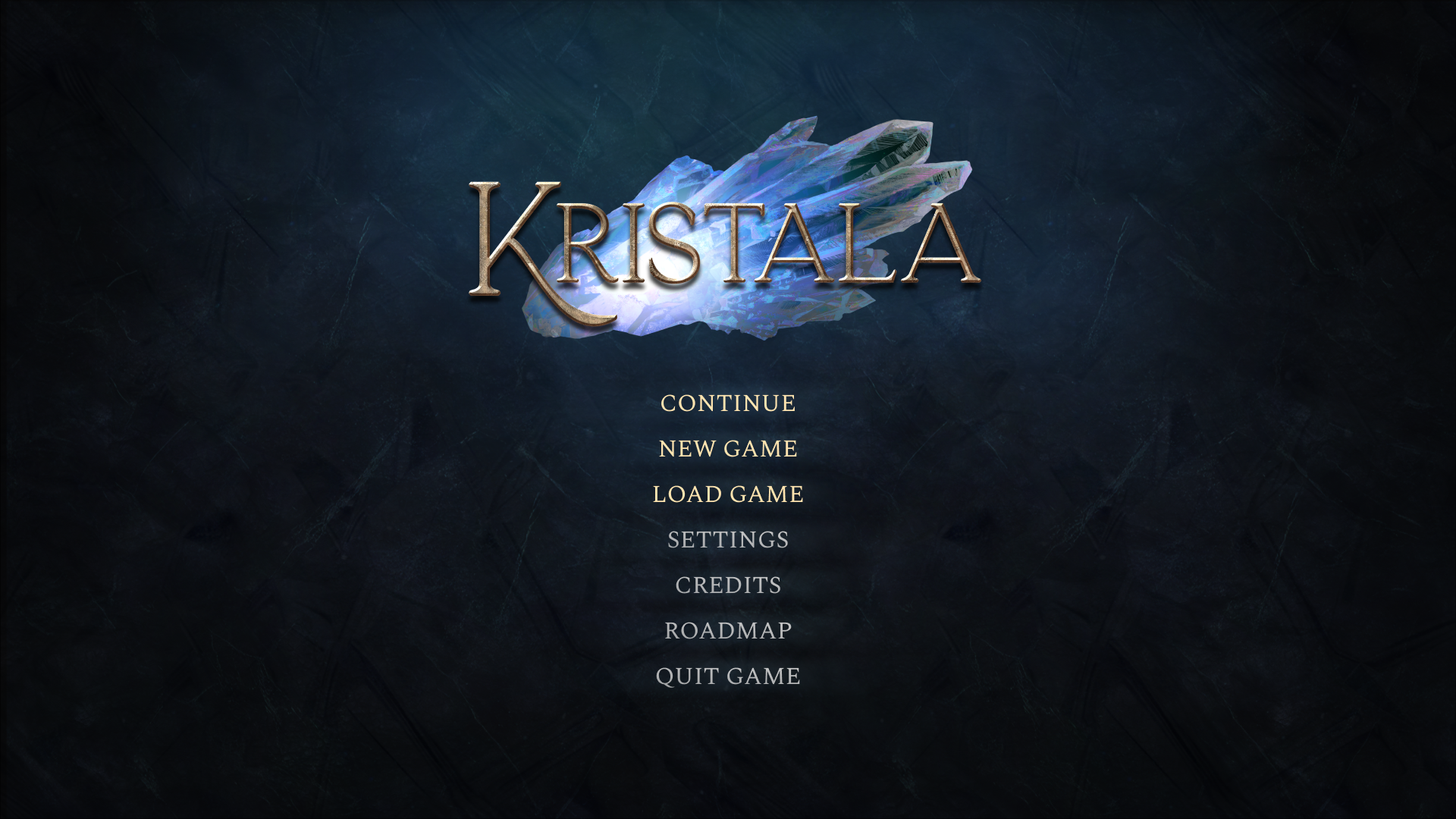
Upcoming for PlayStation 5, Xbox and Steam – Developed in Unreal Engine. I was responsible for the UI/UX redesign and contributed to its integration. The game incorporates several complex mechanics, so I redesigned its user interface with accessibility and clarity in mind. The visual identity draws inspiration from three core themes: crystals, with their transparent, glass-like elements; cats, represented through sharp, angular shapes and lines; and magic, with delicate and subtle adornments in specific areas to evoke a sense of mystery.
Early access screens
The screens shown here are part of an early access preview and may be subject to change as the project evolves. They already reflect much of the new visual identity and design direction.
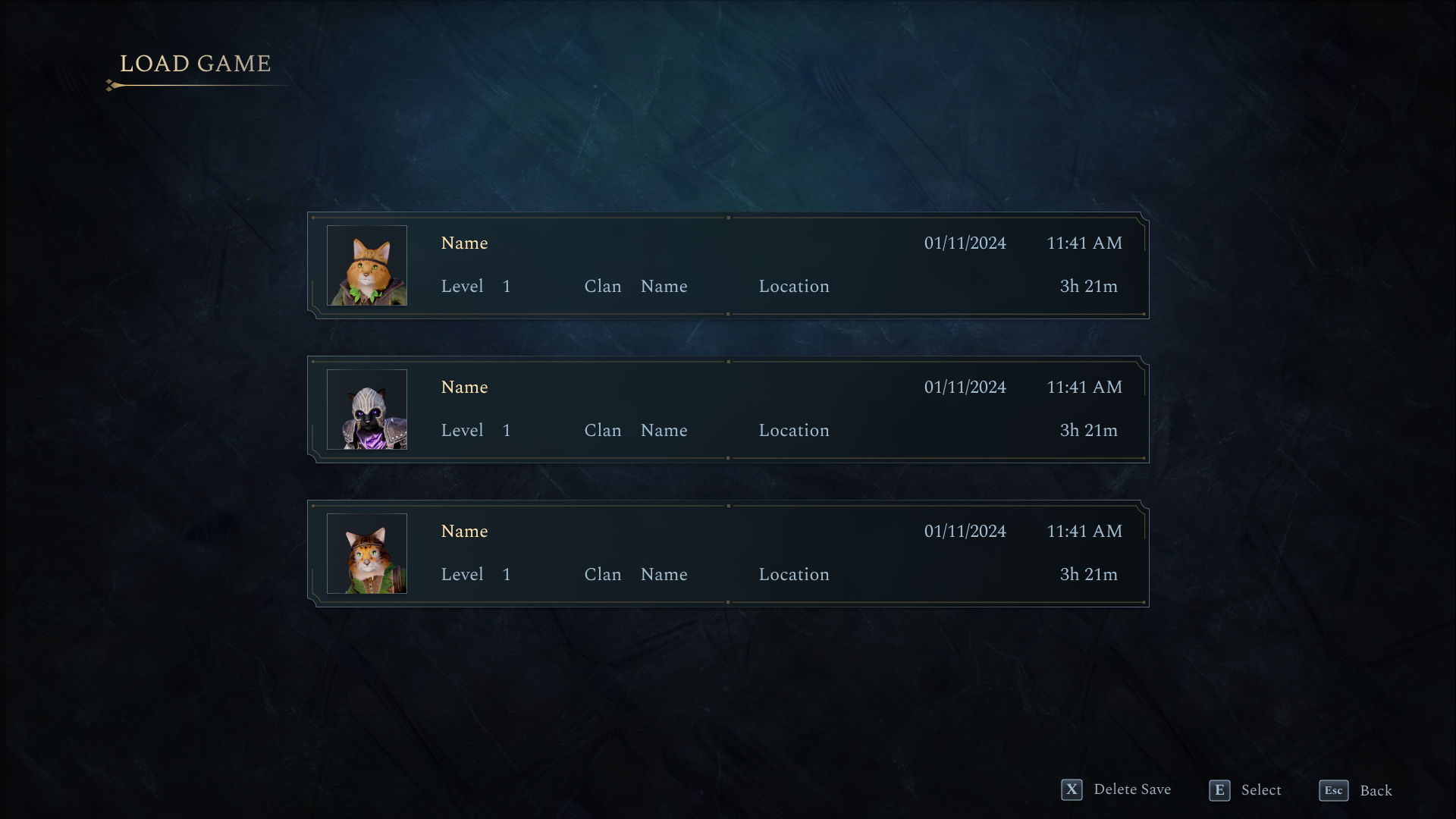
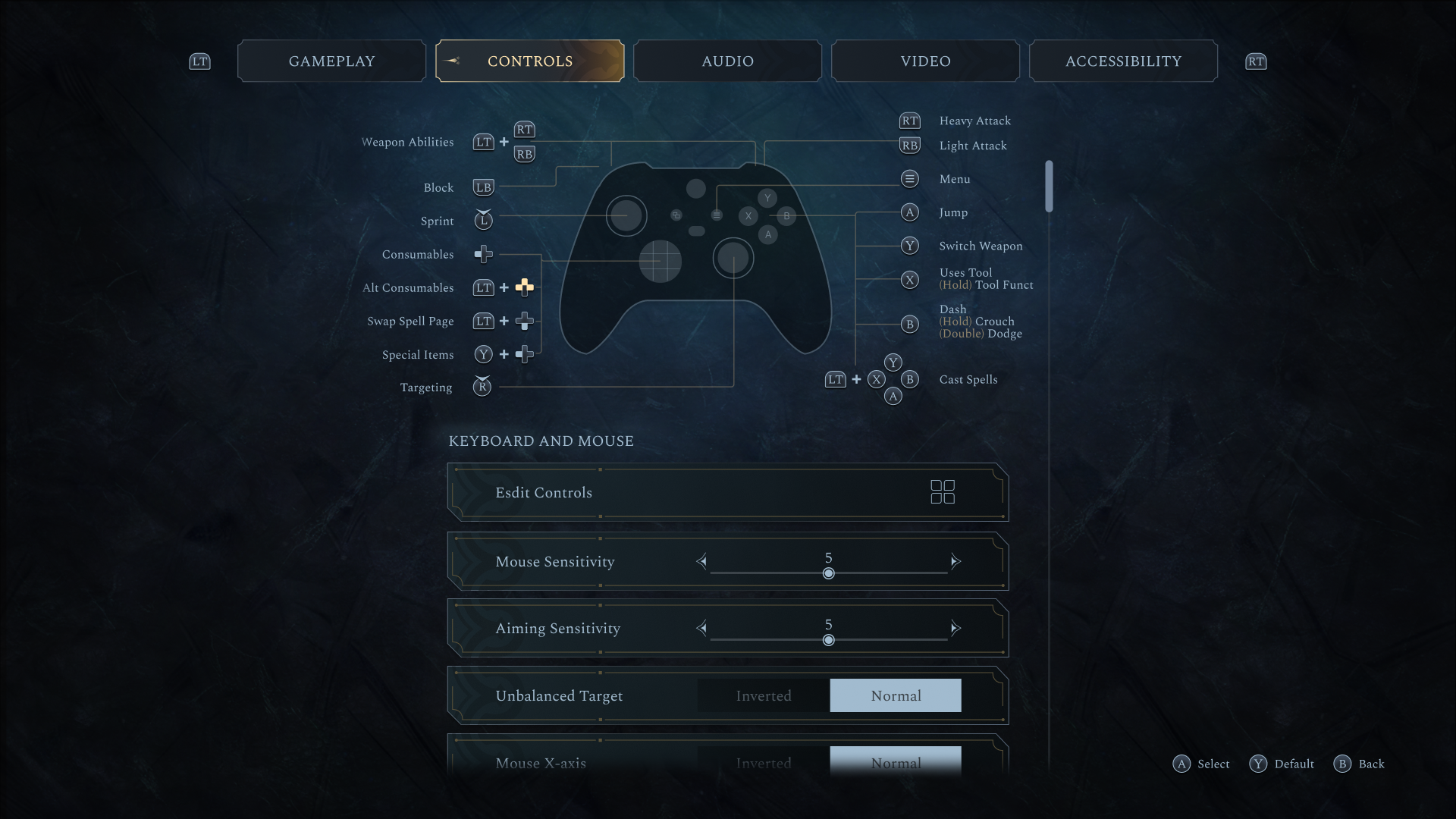
Initial Screens
The Initial Screens introduce the world seamlessly. They are intuitive, ensuring players are quickly immersed in the game while maintaining easy navigation.
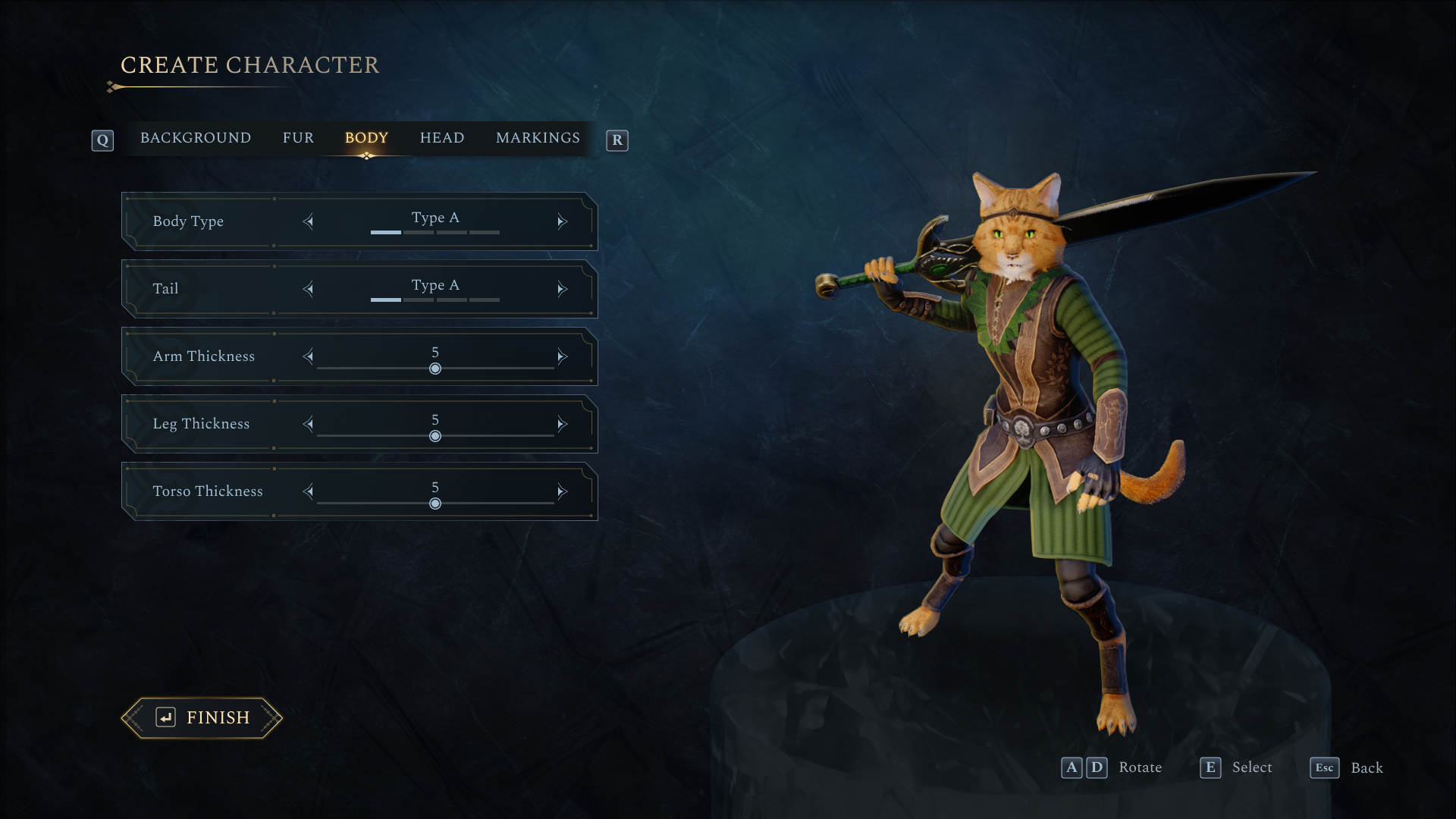
Character Creation
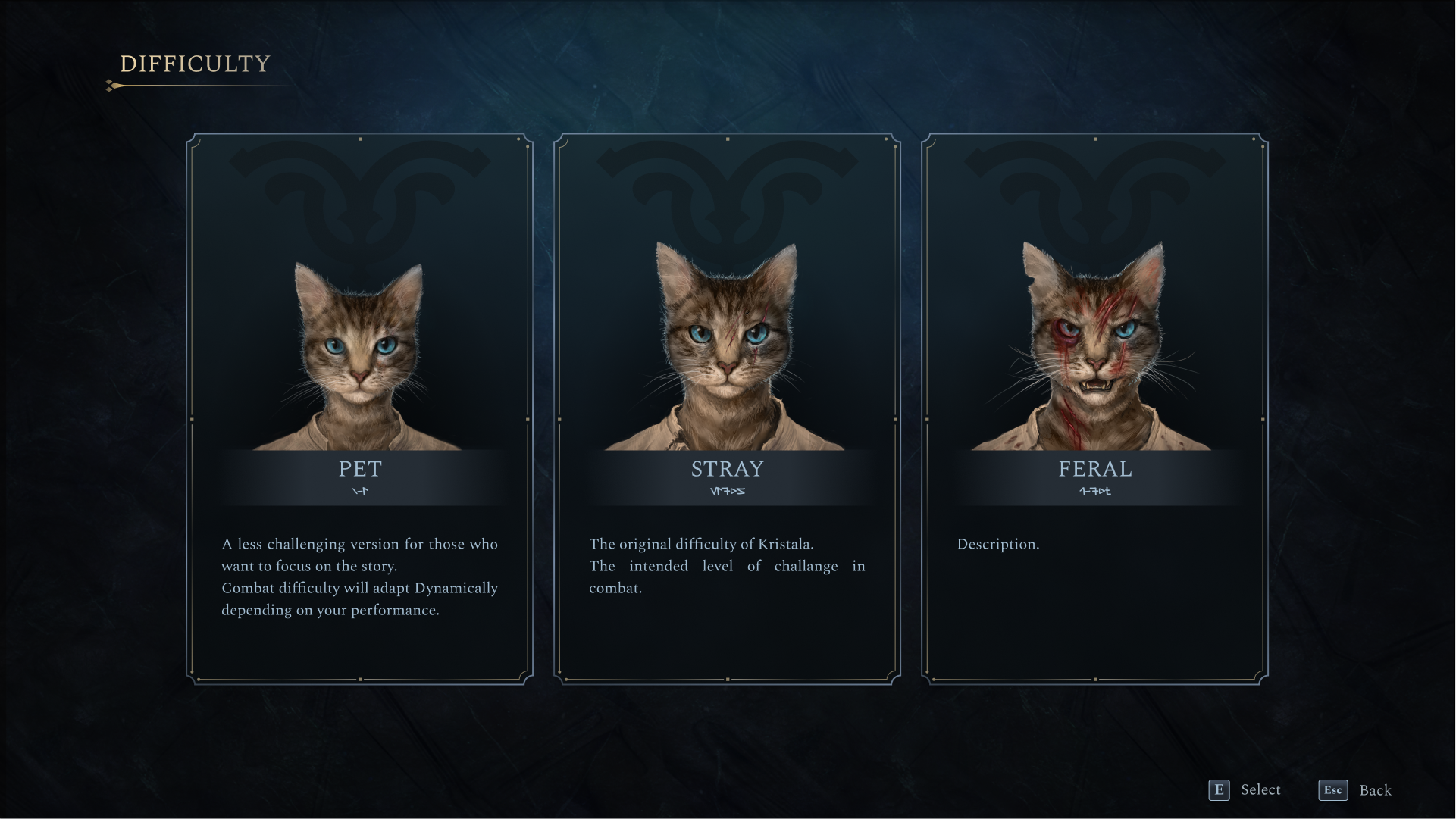
The character creation screen allows players to customize their cat warrior by adjusting body type, fur, clan, and magical affinity. After setting up their character, players can choose the game’s difficulty level before beginning their journey.
pause menu
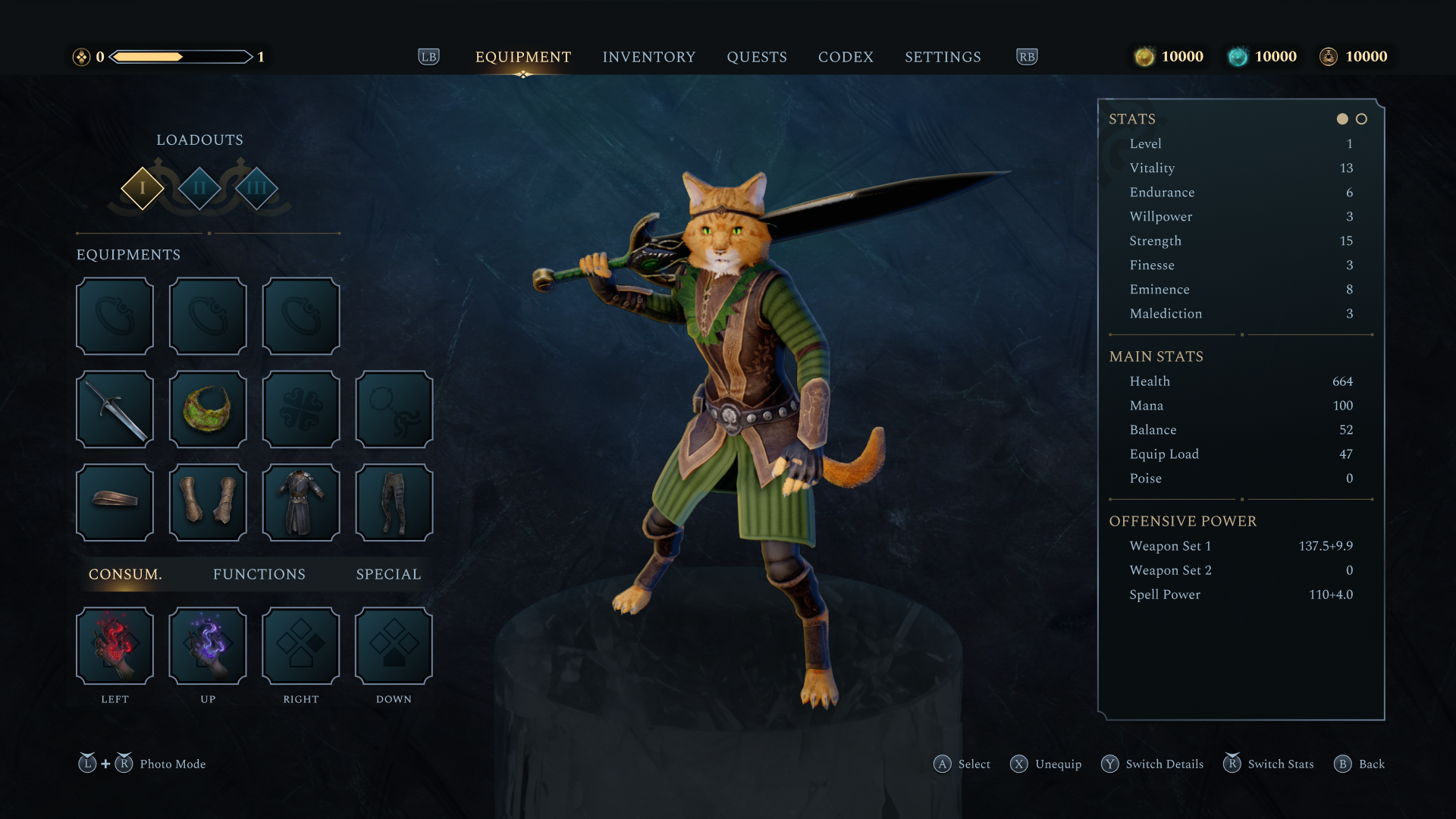
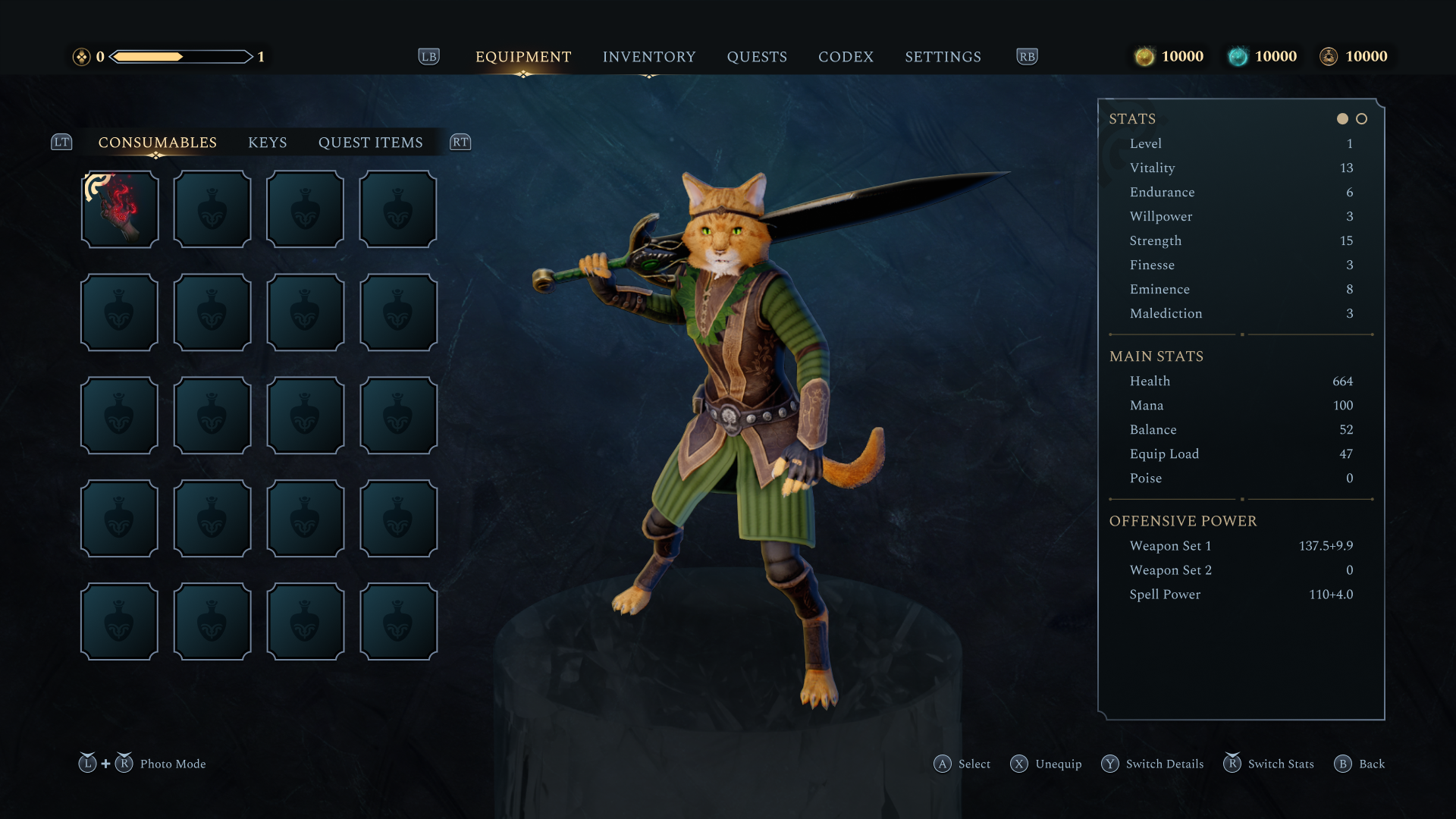
The pause menu organizes the player’s resources into easily navigable sections, allowing for quick management. The Equipment section gives players a quick overview of their current loadout, showing all equipped weapons, armor pieces, and accessories at a glance. From here, they can jump into the inventory to swap items, compare stats, and adjust their build without breaking the game’s pacing.
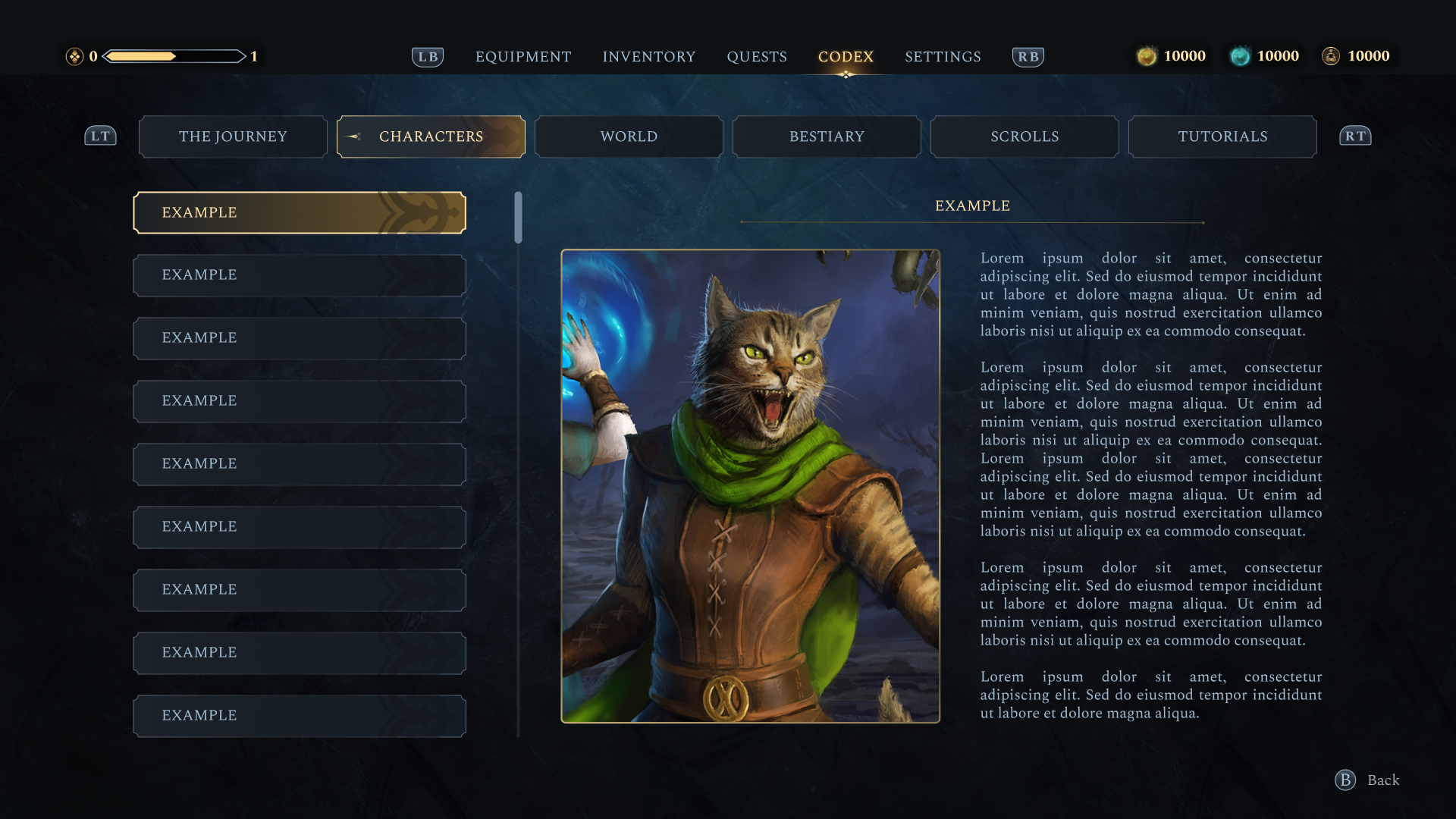
Quests & Codex
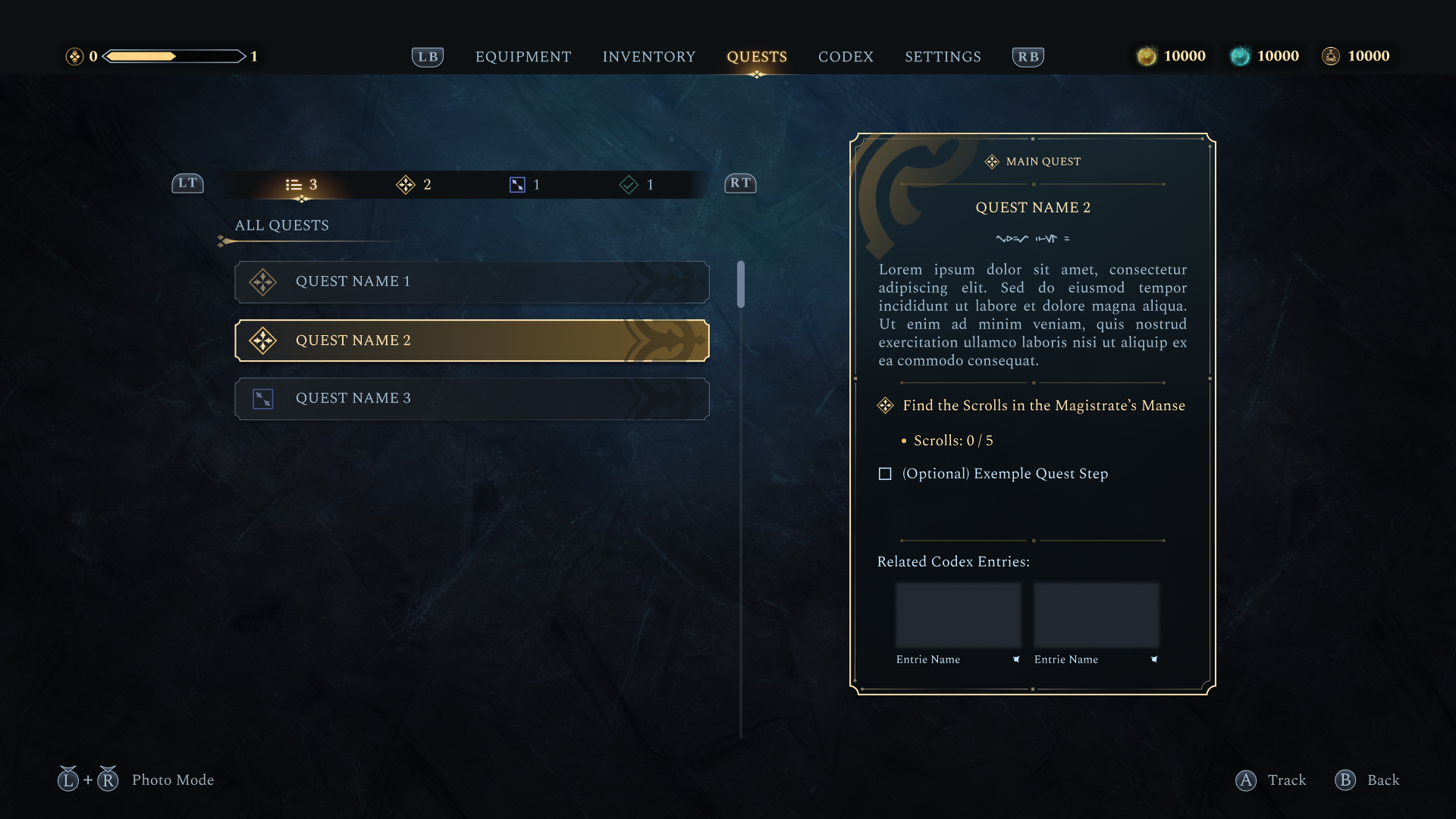
The Quests tab lists active and completed missions, each with clear descriptions and objectives that can be tracked or untracked as needed. Alongside it, the Codex provides additional context about the world, offering lore entries, character information, and other details that help players dive deeper into the game’s universe.
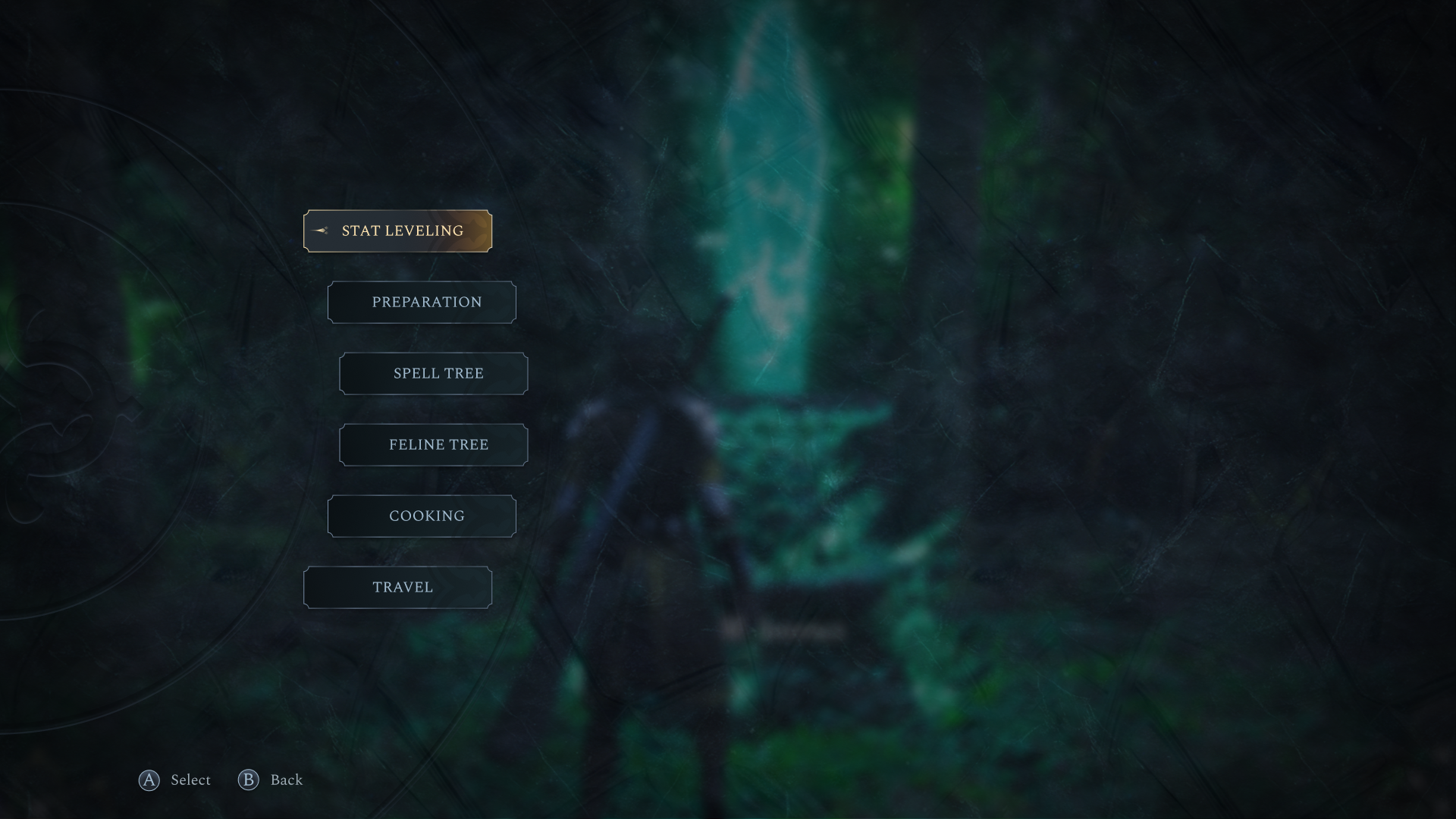
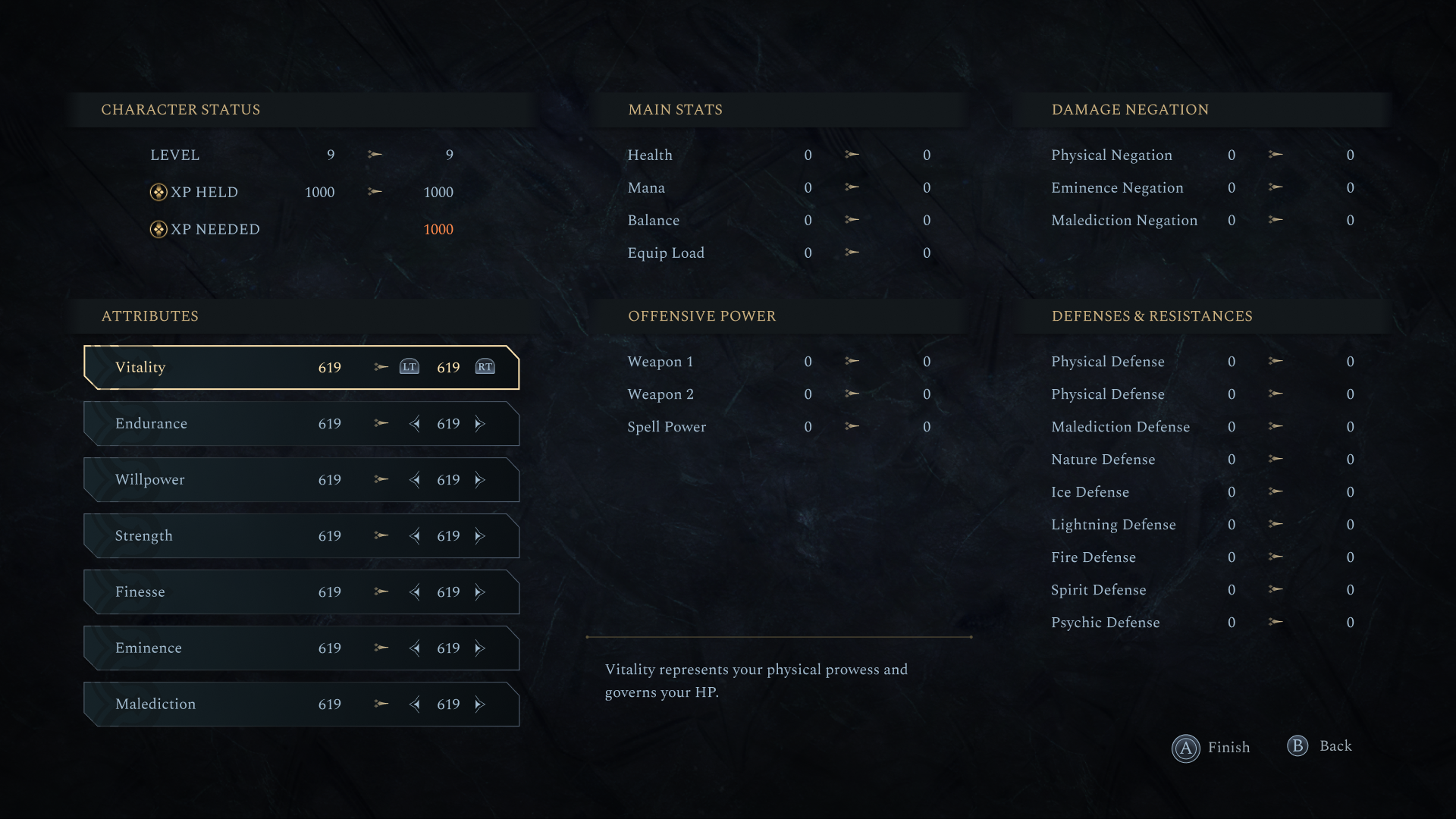
Checkpoint Menu
Checkpoints are found throughout the world and act as key progression hubs. Here, players can evolve their character through Stat Leveling, improving attributes to refine their build and playstyle. The screen also provides access to other options, like the Fast Travel, allowing quick movement between discovered locations.
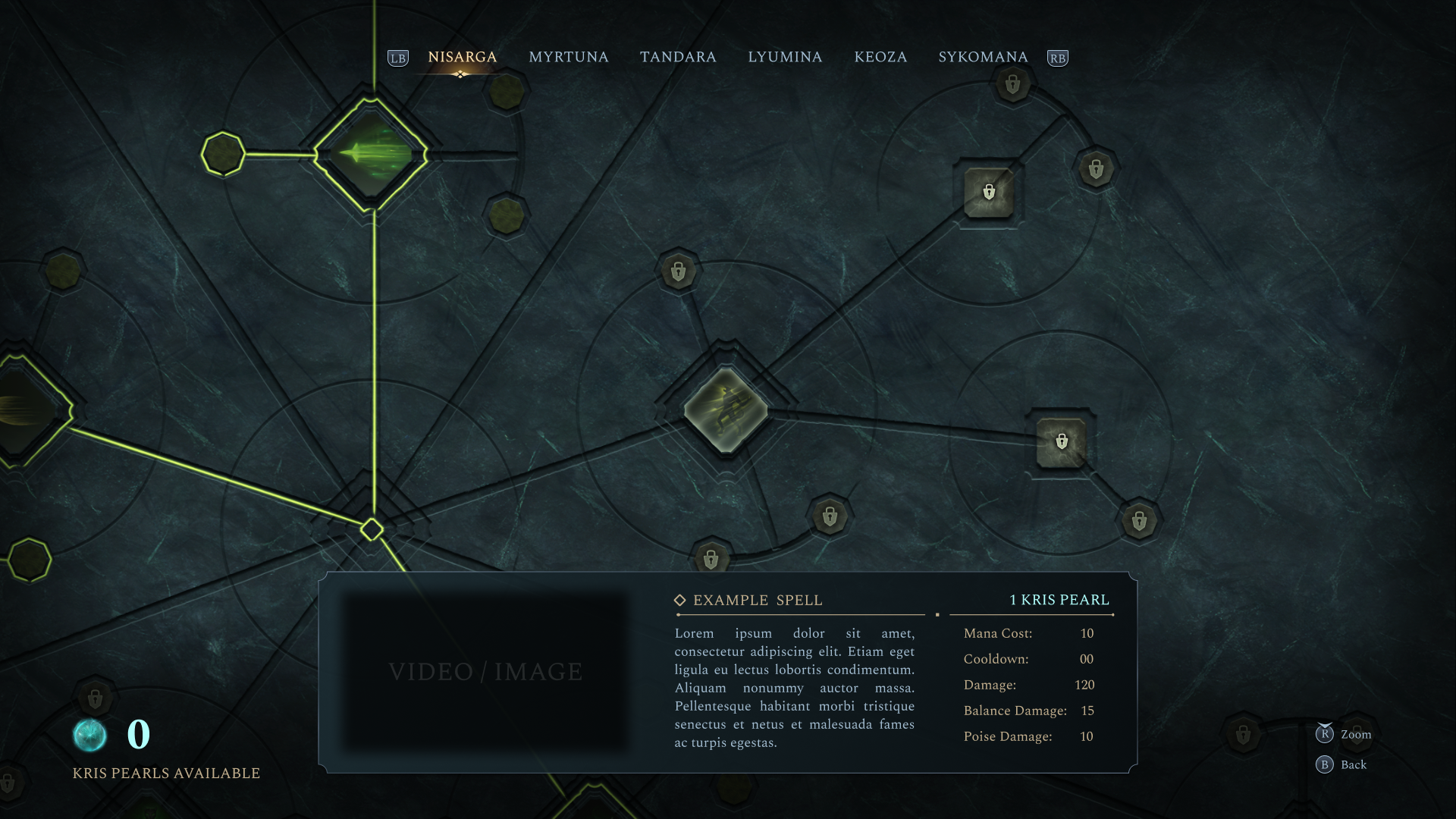
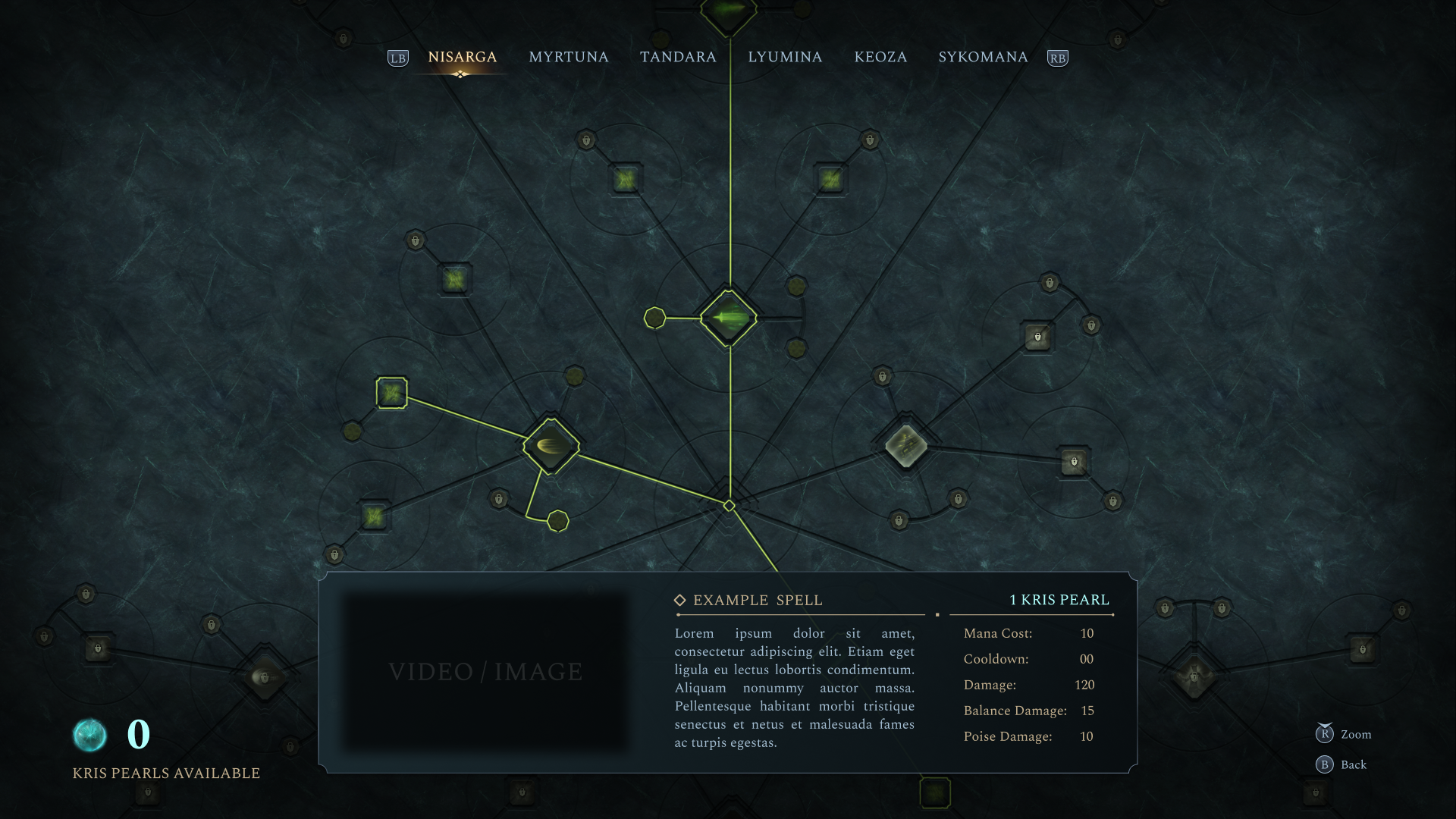
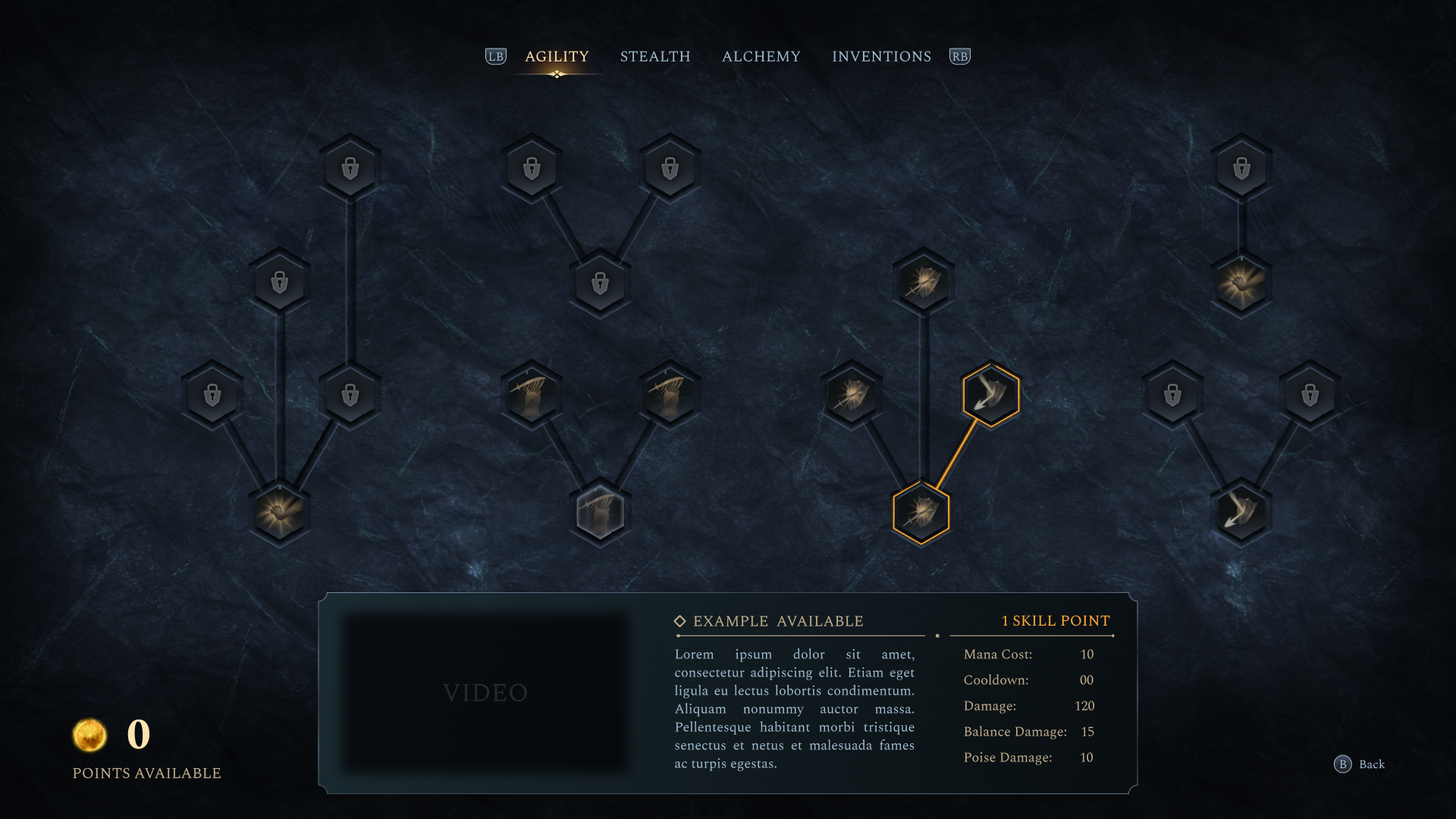
Spell Tree
The Spell Tree and Feline Tree let players invest points earned during gameplay into new abilities and powers. Each tree is designed to reflect an ancient crystalline structure, as if the interface were carved from old crystal shards.
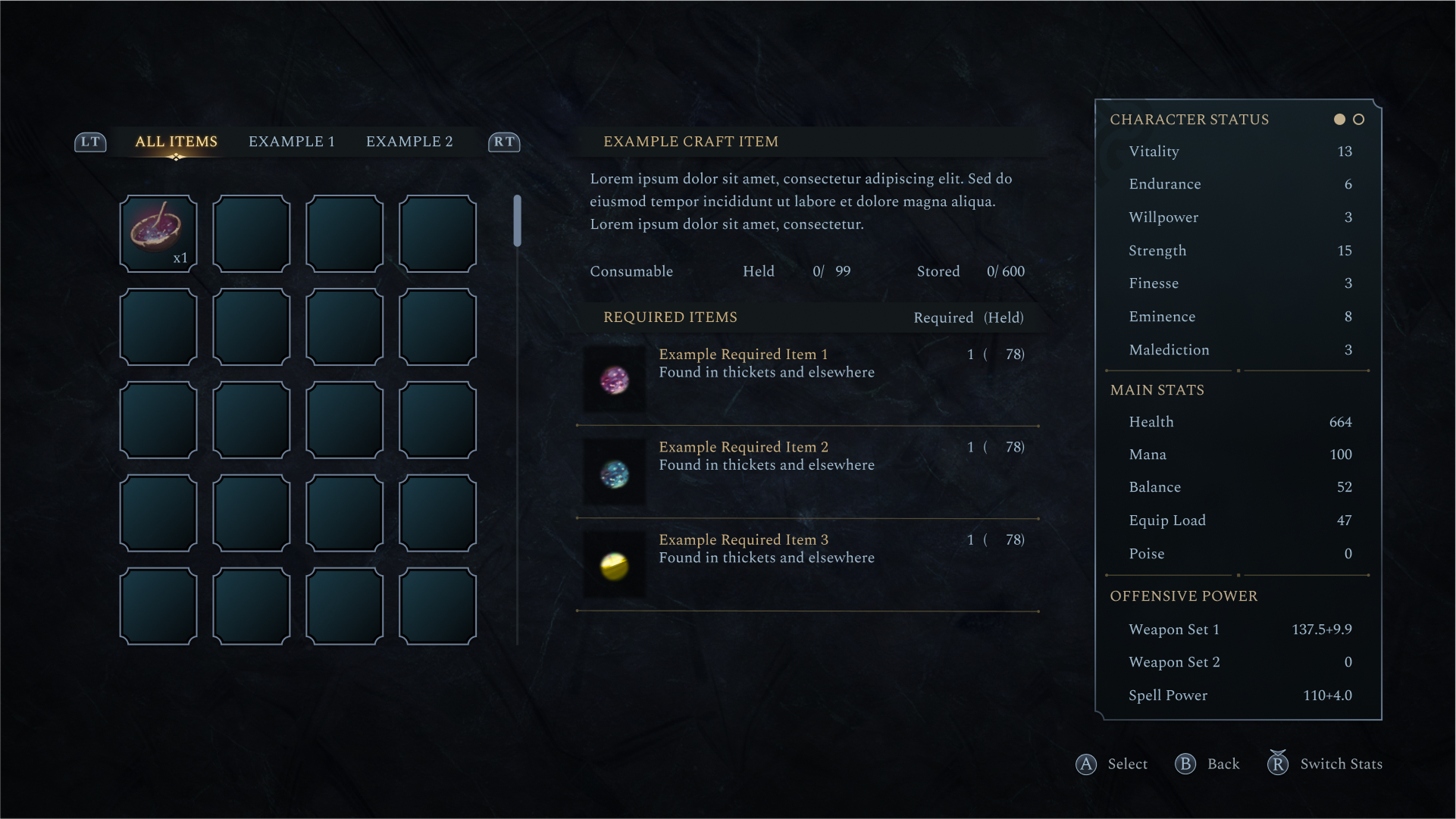
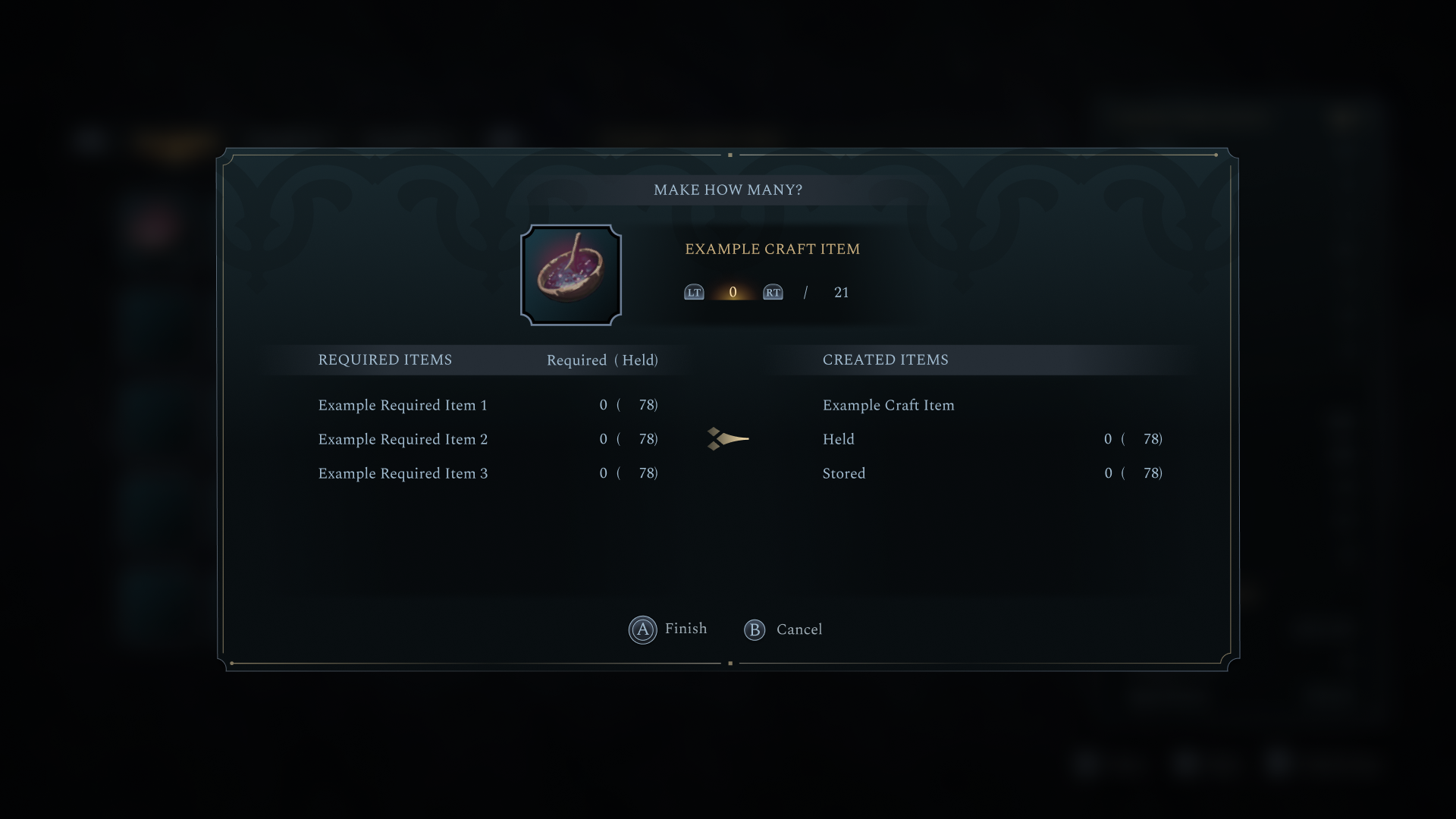
Cooking
The Cooking screen allows players to prepare meals that grant temporary buffs and effects. By combining ingredients found during exploration, players can boost stats or gain short-term advantages before heading back into combat or exploration.
HUD
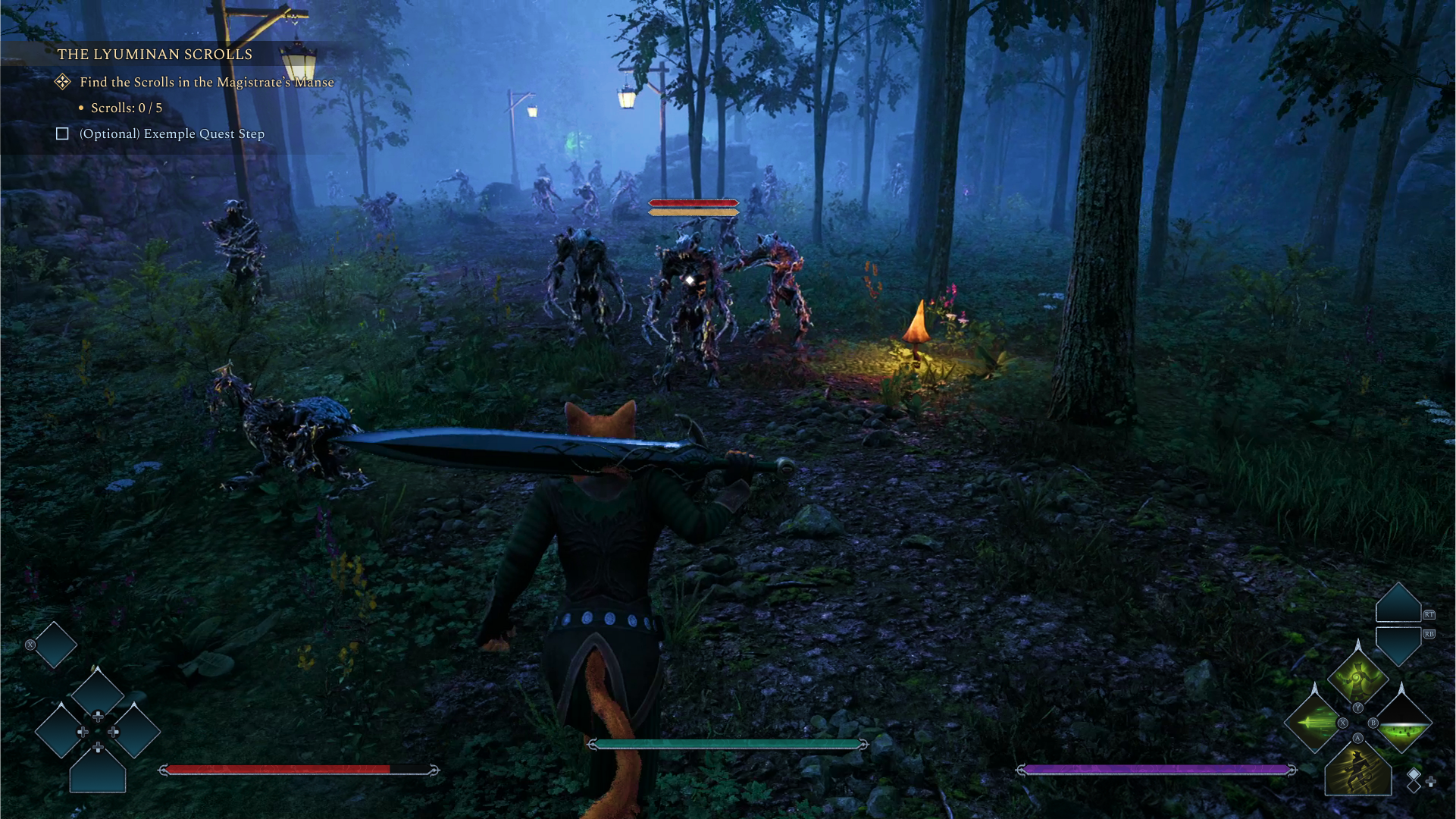
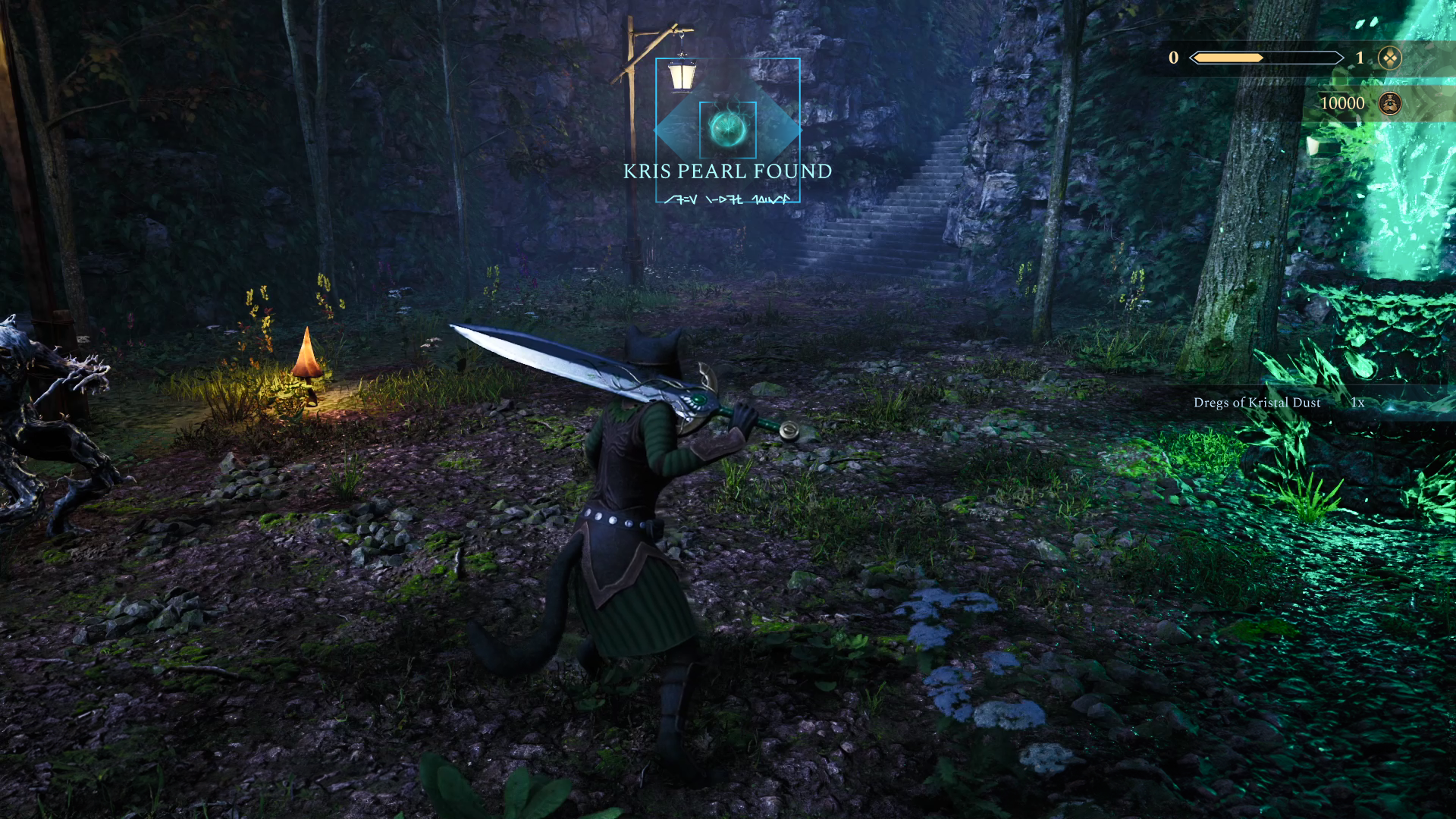
The HUD was designed to stay as unobtrusive as possible, even though the player has access to a wide range of abilities and powers. The goal is to support the player’s awareness without overwhelming the screen during exploration or combat.
Containers – UI Material
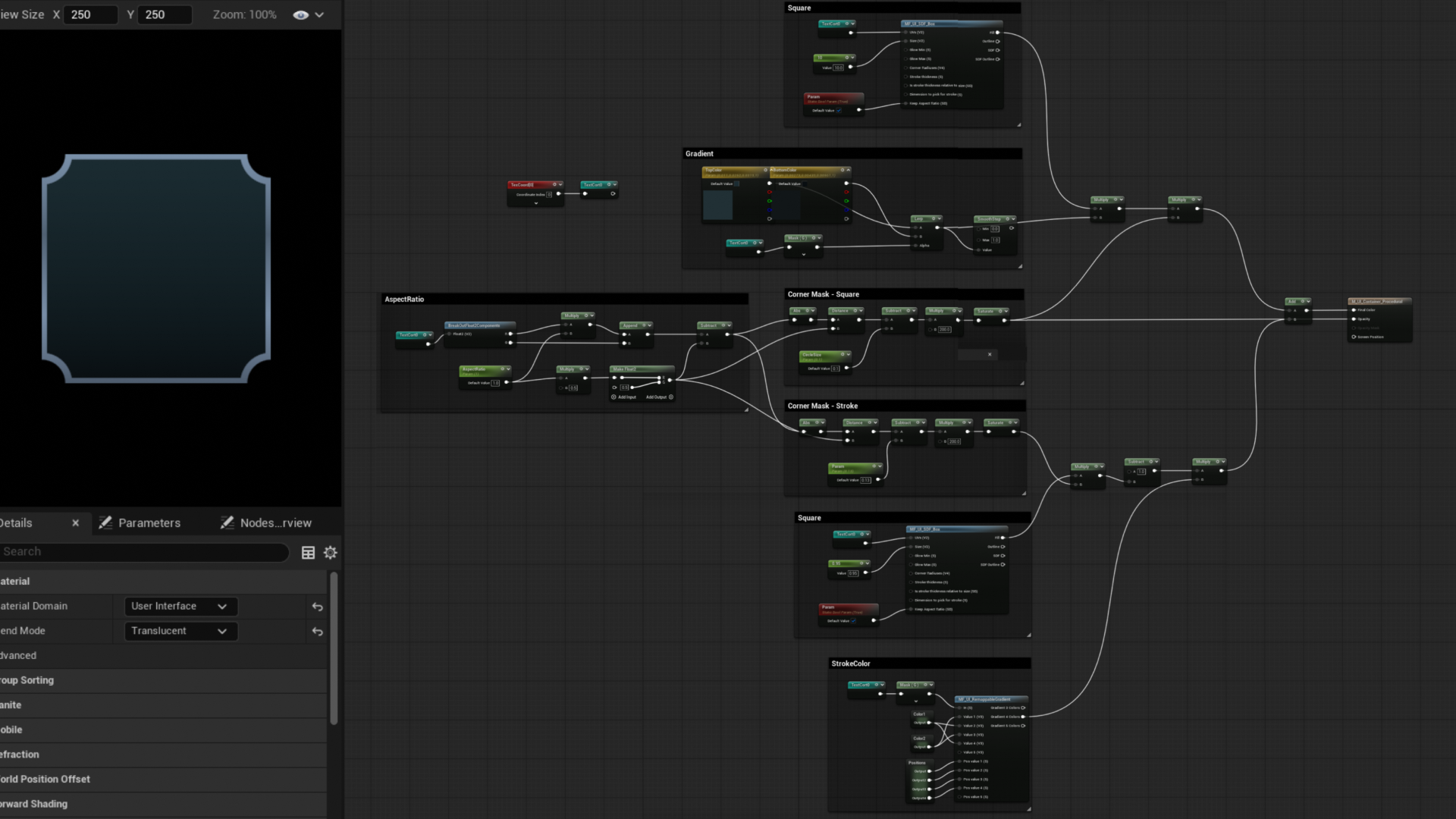
Developed a UI material for various layout elements using 9-slice logic and SDF to ensure zero distortion across different aspect ratios. This material features customizable border thickness and corner rounding parameters, reducing the need for multiple unique textures.
Backgrounds – UI Material
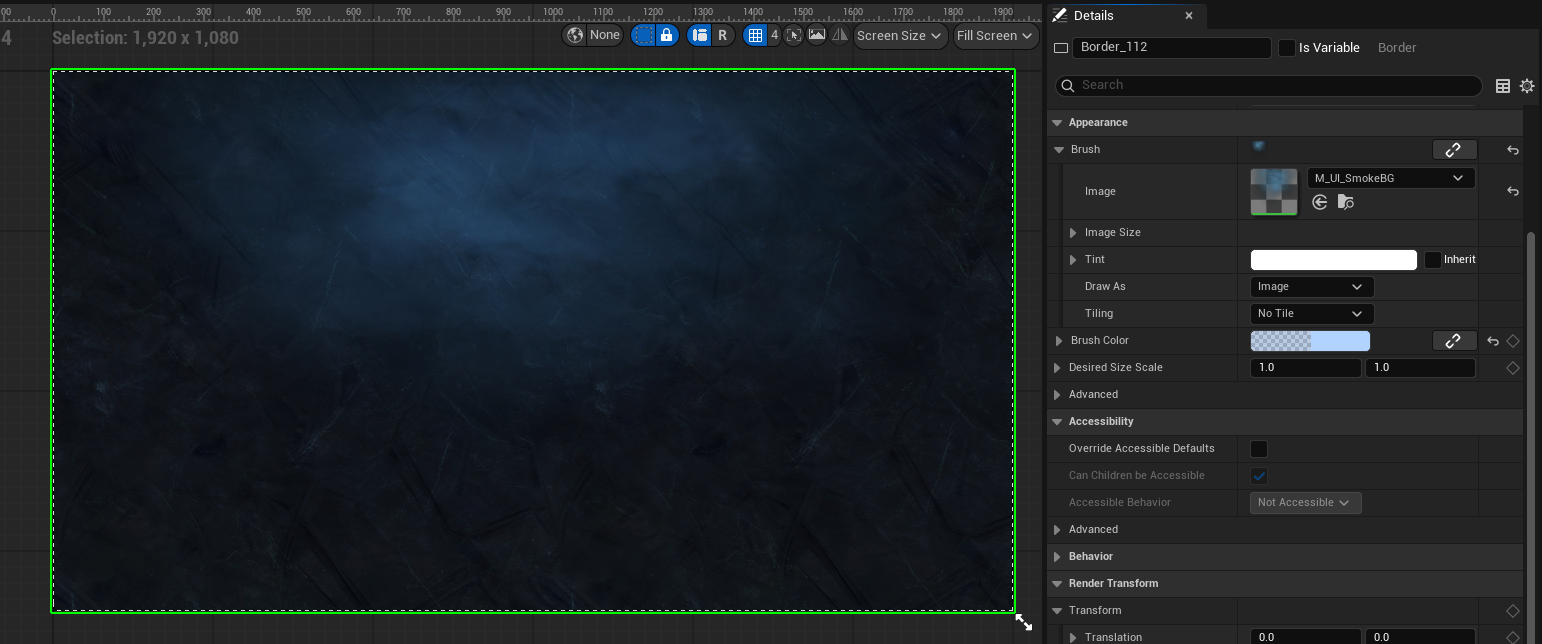
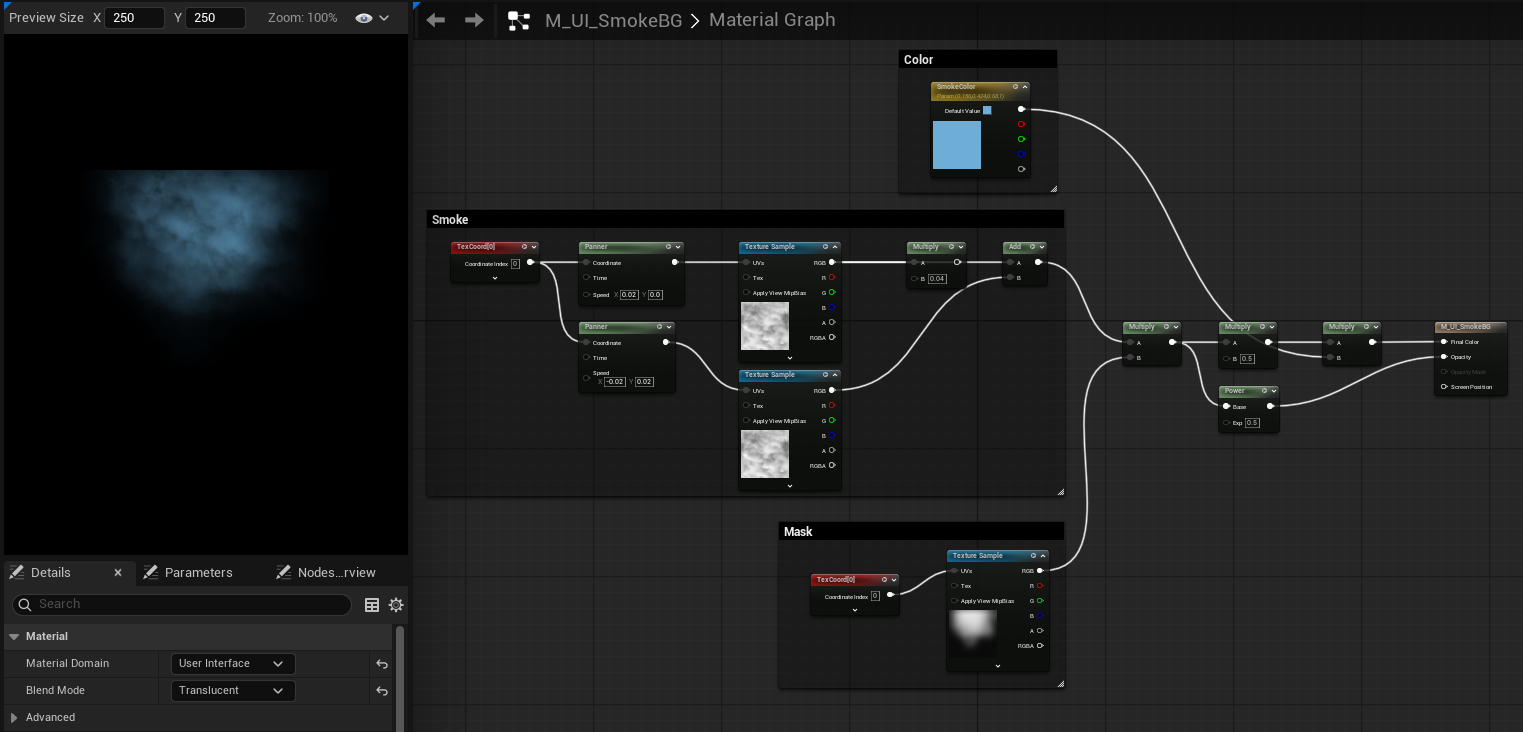
Created a background using a combination of panner-based effect for the fog and a tiling detail texture for the crystal/stone.